Want to be able to analyze all of your data instantly? Want to create a report from that data in just a few clicks? Well, now you can do just that and more within FieldWatch!
While we have been using AI to enhance our compliance monitoring and brand protection efforts to keep businesses safe and off the regulatory radar, we are now adding it into our user dashboard for analytics and reporting.
All clients will now have an easy way to answer questions about their entire data set as well as generate analytics reports for their specific needs right within FieldWatch. Being able to retrieve, search and summarize data that includes incidents, representatives, remediation, training and more is now at your fingertips. It’s just another way FieldWatch is helping users increase workflow efficiency as well as reporting effectiveness.
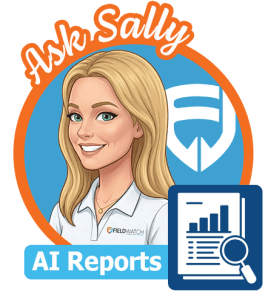
So, how do you access the AI interface from the dashboard? As with all FieldWatch features, it’s simple and easy to navigate. Just look for the Ask Sally AI Reports Avatar (pictured on the right) in the Analytics section and click. You will then be able to select what data you want the AI to use and generate the analytics reports you need instantly.
If you have any questions or would like more information on these new AI enhancements for analytics and reports, reach out to your client success representative or click here.